
Great value for agencies building at scale.
Very transparent, with incredible customer support. Highly recommend.
ABAustin BenoitTrustpilot
A vetted directory of publishers with real DR, traffic, and pricing data. Pick the sites, we place the content, every link is guaranteed and tracked.
Each publisher is reviewed for editorial standards, indexability, and audience fit before it goes in the marketplace.
Domain Rank, organic traffic, and category data refreshed monthly. No inflated PBN numbers.
Direct editor contacts, posting guidelines, and pitch angles, so your campaign moves the same day.
Browse the marketplace and filter by Domain Rank, traffic, category, and price. Pick exactly the publisher you want.
Our editors write the article around your target keyword and angle, or review your own for editorial fit.
We handle all outreach, edits, and publication. If a placement falls through, your credits are refunded instantly.
Monitor live links, indexation, rankings, and replacements in one dashboard. 12-month link guarantee on every placement.
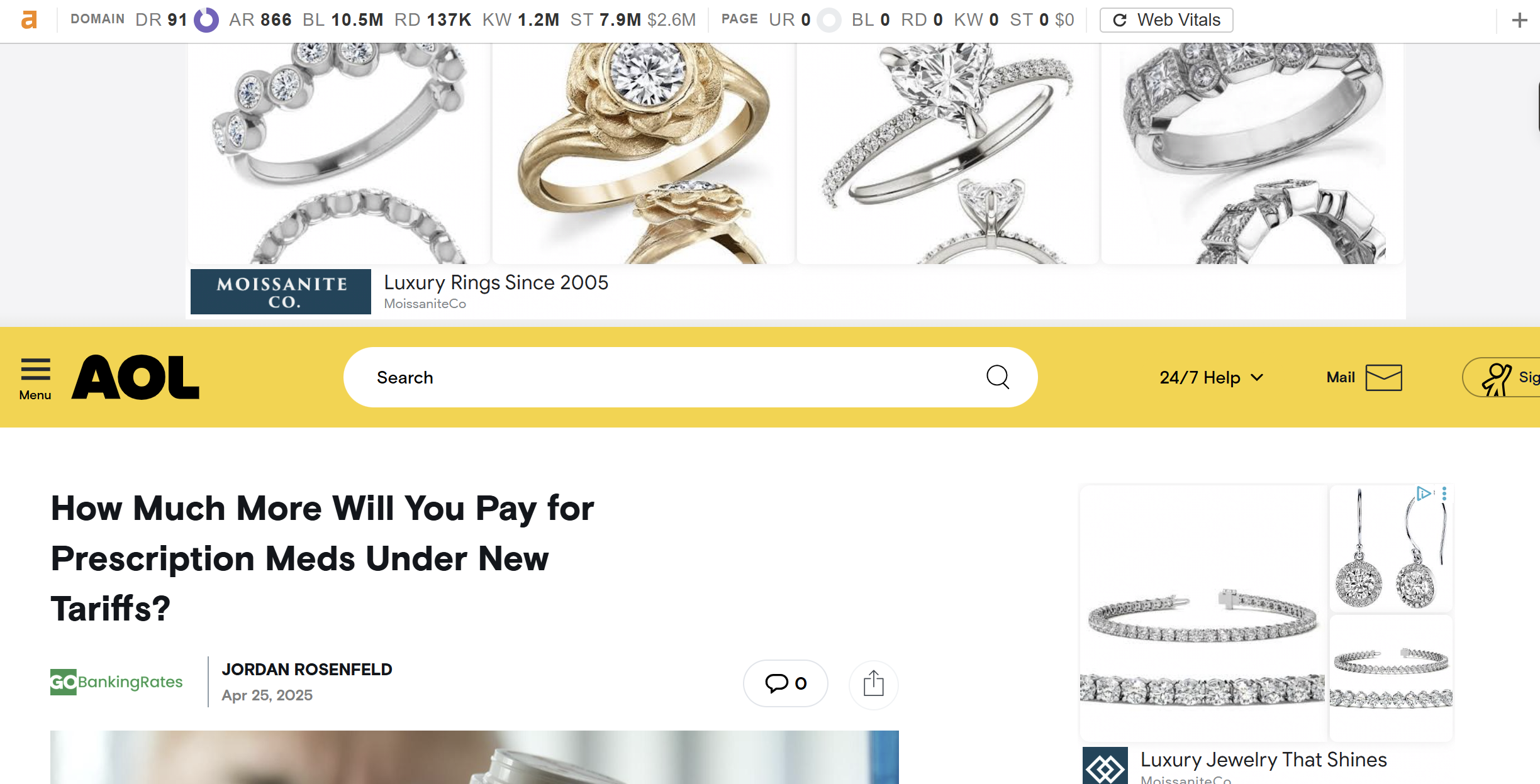
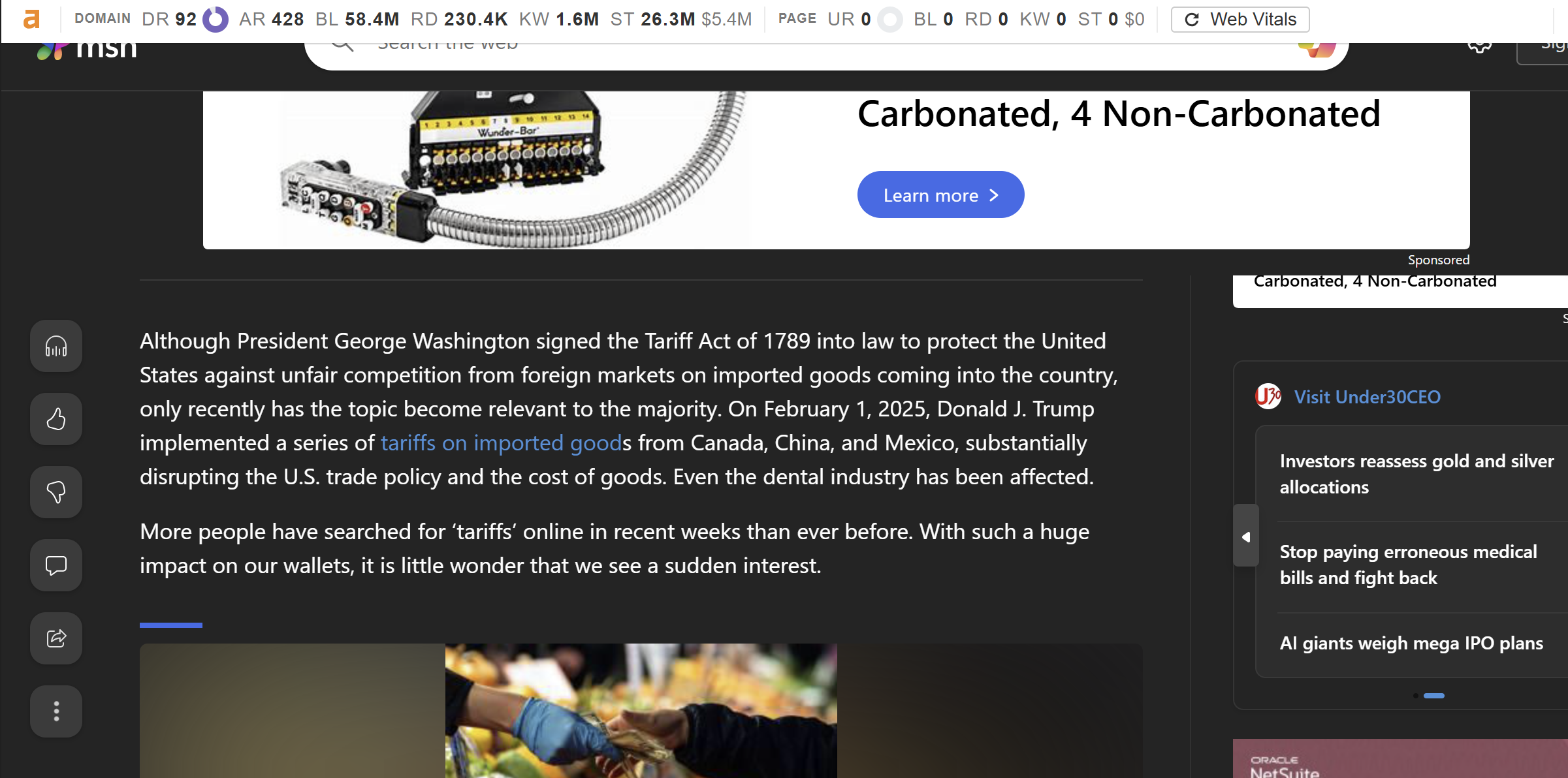
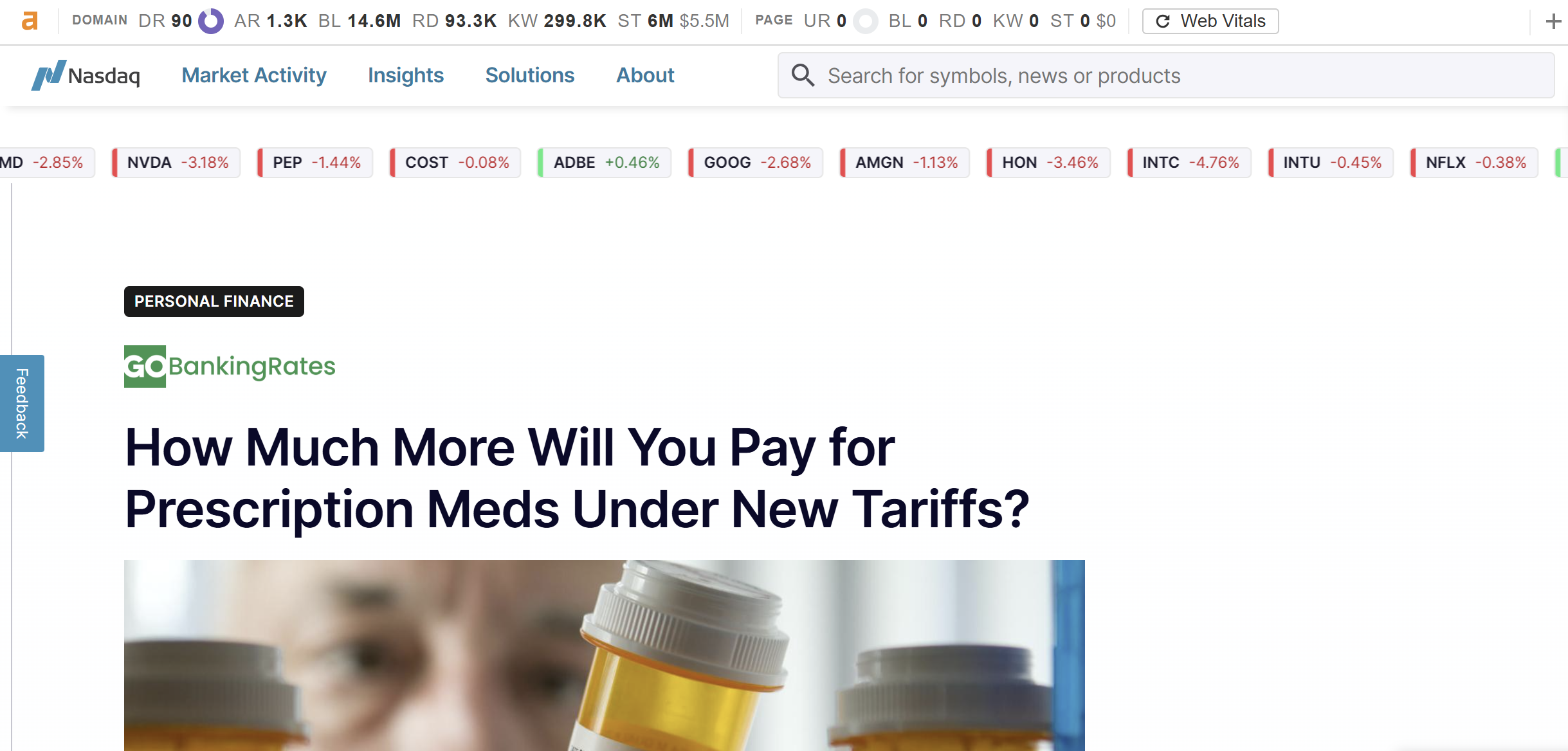
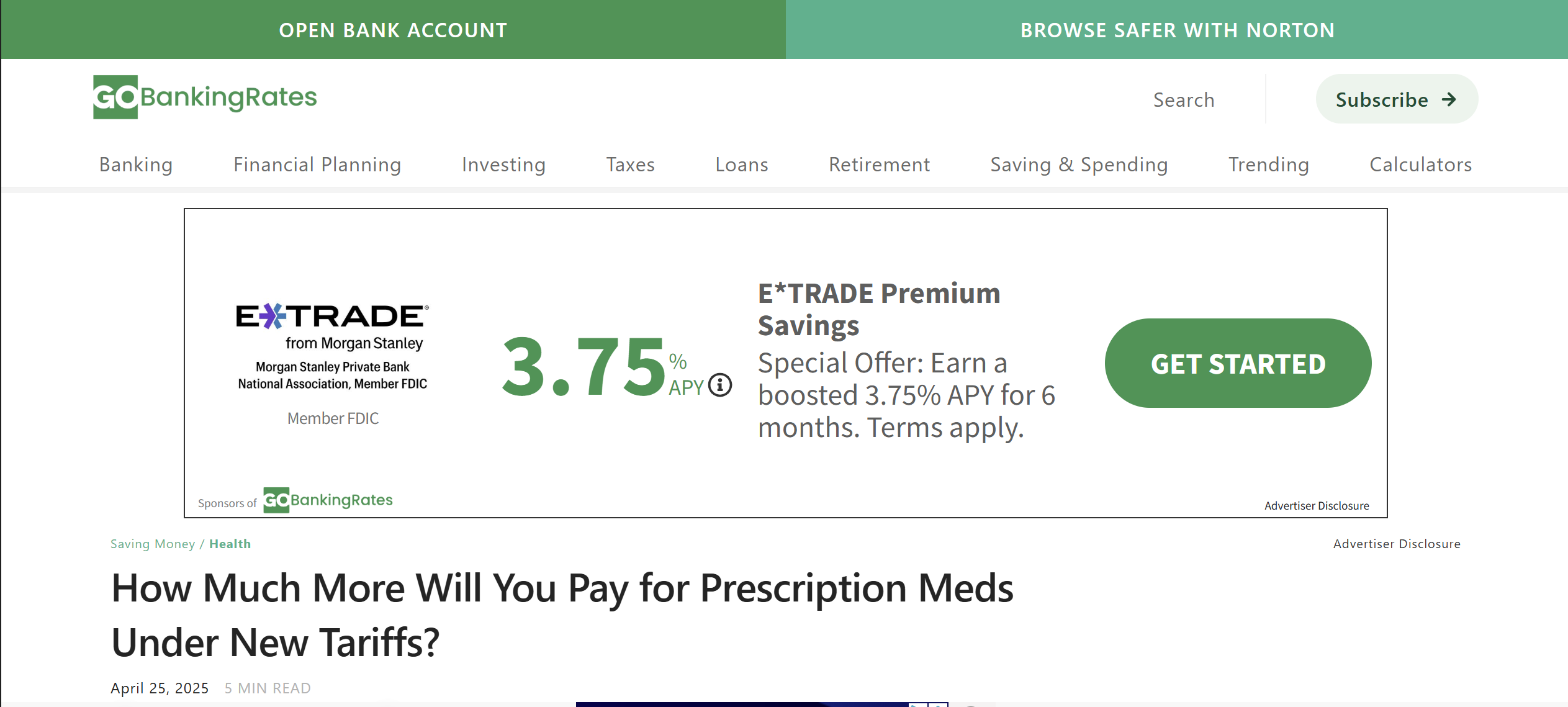
Screenshots from live campaigns we run for brands, affiliates, and agency partners.


Unfulfilled orders receive full account credit. Your balance is always protected.
If we cannot fulfil a placement, you get a full refund. No fine print.
Every placement is verified as indexed by Google, or replaced at no cost.
Links removed within 12 months are replaced on a comparable site, free.
Brands in competitive niches, from a standing start to full-funnel organic growth. Live data; client names withheld.
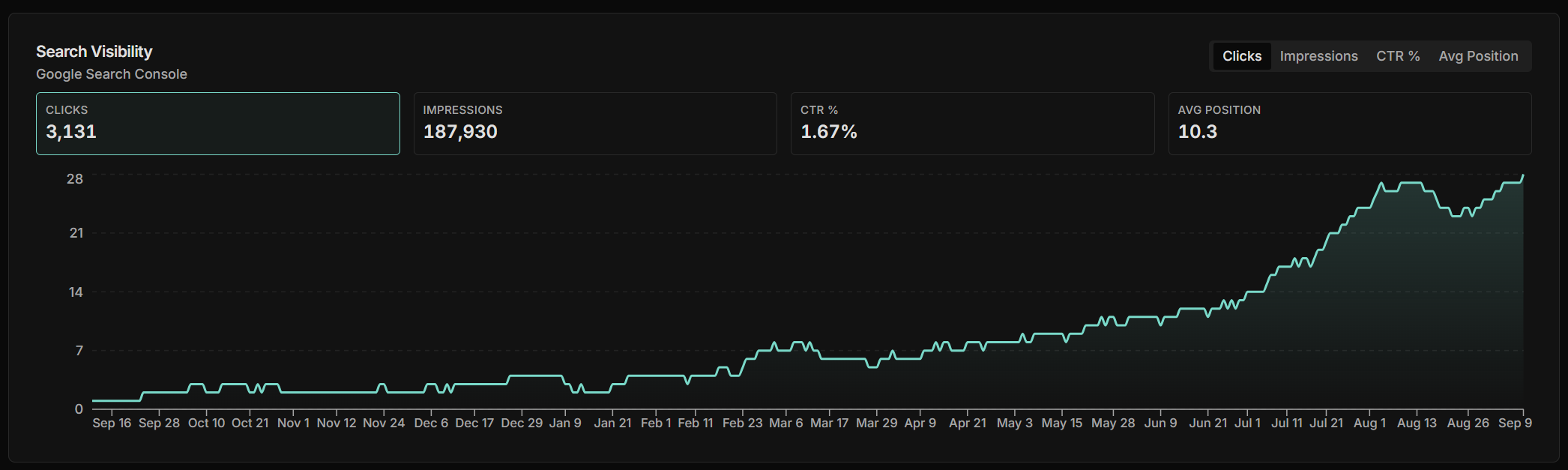
Observed across recent queries: the same pages now surface where buyers look.
Results are not guaranteed. SEO outcomes depend on many factors outside any tool's control, including your competition, content, technical health, and search engine updates. SERPpro surfaces the gaps and recommends the optimizations and placements to influence your campaigns positively. It does not guarantee rankings, traffic, or revenue.
 Search Console
 Analytics 4
 Claude
 ChatGPT
 Telegram
 Slack
SlackPick your publishers, we place the content, and every link is guaranteed and tracked for you.
Browse the Marketplace